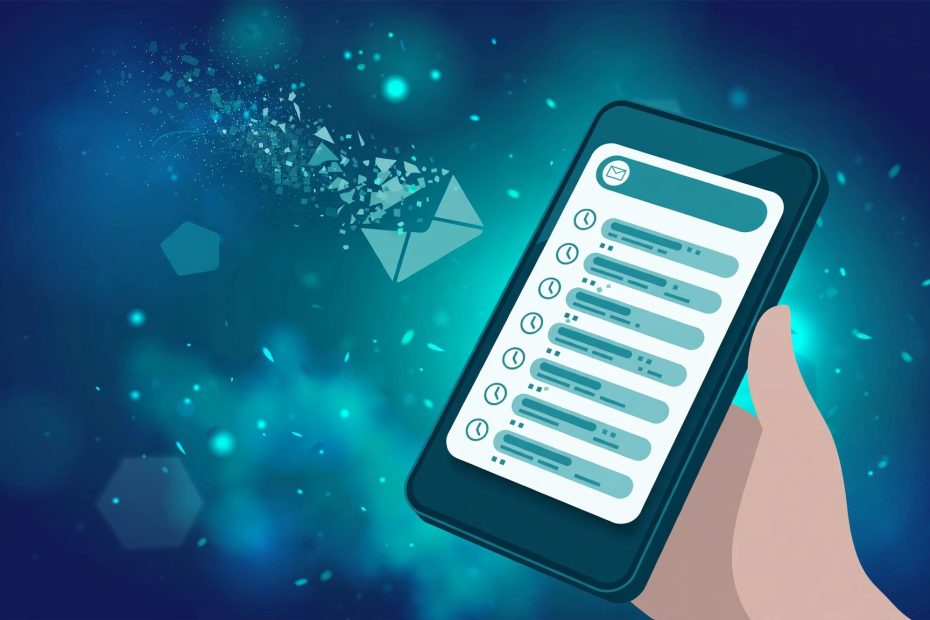
Temp mail on a phone works best as a browser workflow, not an app habit. A mobile browser tab gives you a disposable inbox in seconds, with no install, no account, and no app tracking your signups. Dedicated apps add convenience in a few cases, but they also add permissions and persistence that defeat the point of a throwaway address.
Browser First, App Second
Most temp mail services are web pages first. Opening one in a mobile browser takes one tap, generates an address, and shows incoming mail with auto-refresh. There is nothing to install, nothing to update, and nothing left on the phone afterward except a browser tab.
Apps make sense in exactly two situations: when you create disposable addresses several times a day, or when you need the same address across many sessions. A good app stores the address and its access token on the device, so the inbox survives app restarts. A bad one asks for contacts, notifications, and account creation just to show an inbox that a web page shows for free.
Before installing any temp mail app, check what it asks for. An app that wants your contacts or a login for a disposable inbox is selling convenience you do not need.
Keeping the Same Address Across Sessions
The biggest phone workflow mistake is generating a fresh address for every signup. Fresh addresses are fine for one-time codes. They fail when a service sends a second message, a receipt, or a follow-up link hours later.
Better options, in order of reliability:
- Bookmark the inbox page — many services encode the address in the page URL or a browser token, so the bookmark reopens the same inbox
- Use a service with a reusable address — some providers let you pick an address name and return to it later from any device
- Save the address and token yourself — copy the address into your notes app the moment it is created, before you hand it to any signup form
- Keep the tab open until the job is done — closing the tab early is the most common way a working inbox turns into a lost account
On phones, tabs get closed by the system under memory pressure. If the signup matters at all, the notes-app copy is the safety net that survives a tab being reclaimed.
The Notification Problem
Temp inboxes do not push alerts the way a real mailbox does. Most services refresh only while the page is open, and a few check for new mail every 10 to 30 seconds. A code that arrives while the phone is locked will not buzz, badge, or wake the screen.
Plan around that limit instead of fighting it:
- Open the inbox before starting the signup, so the first refresh happens while you watch
- Leave the inbox tab in the foreground for the minute the code is expected
- Pull to refresh manually if the code is slow, rather than waiting on a timer that may not fire
- Treat a code that has not arrived in five minutes as a signal to check the signup form for a typo, not as a reason to keep waiting
Some temp mail apps promise push notifications for new mail. That feature requires the app to hold your address on its servers and watch the inbox for you, which trades a small convenience for a standing record of your signups. For throwaway use, manual refresh is the honest trade.
Phone Workflows Compared
| Workflow | Best for | Drawback |
|---|---|---|
| Browser tab, fresh address | One-time codes and downloads | Lost when the tab closes |
| Browser tab, bookmarked inbox | Signups that may send a second message | Bookmarks can break if the token expires |
| Reusable named address | Trials and accounts you may revisit | The address is guessable if the name is simple |
| Dedicated app | Daily disposable use across sessions | Permissions, installs, and server-side tracking |
| Alias service app | Accounts you plan to keep | Setup time, and sometimes a paid tier for full features |
Security Habits for a Small Screen
Phones make two temp mail risks worse. Autocomplete can paste your real address into a form where you meant to paste the disposable one, and a public inbox left open on a shared or borrowed phone is readable by the next person who picks it up.
Guard against both: copy the disposable address directly from the inbox page, never from memory, and close the tab when the job is done. On a phone you share with anyone, treat an open temp inbox the way you would treat an open banking session — close it before handing the device over.
Avoid public inboxes on phones entirely. Services where anyone can open an inbox by typing its name are readable by strangers, and a phone screen is easy to glance at over a shoulder. Use a private, token-based inbox for anything beyond a truly throwaway signup.
Final Verdict
Run temp mail in the browser, bookmark the inbox when a second message might matter, and accept that no push alert is coming. The phone workflow that wins is the boring one: open inbox, copy address, complete signup, save anything valuable, close tab. Apps earn their place only when disposable addresses are a daily habit, and even then, only the ones that ask for nothing but the inbox.